RocketClips AI - Main Image

RocketClips AI - Video

Default Gallery

Category Media Tools

RocketClips AI

Transform long-form YouTube content into multiple clips. Share on social media. Increase traffic and followers. Go viral faster.
$76.00

$39.00

Select a plan View plan details

30-day money-back guarantee. That means you have over four weeks to discover if this app is right for you.

You’ve put in the time and effort to create the perfect video. It’s loaded with unique selling points. Viewers will love it. It performs well on YouTube, but it’s too long for social media platforms. Let RocketClips AI slice and dice. With just one click, turn your long-form video into multiple short, engaging clips.

RocketClips AI will scan your entire video. Using an advanced AI system trained to engage audiences, it identifies engaging highlights and critical moments. In seconds, it will transform these sections into attention-grabbing clips. Post the clips on TikTok. Use them for Instagram stories or reels. Add them to your YouTube shorts channel. Squeeze all the value you can from one video.

Highlights

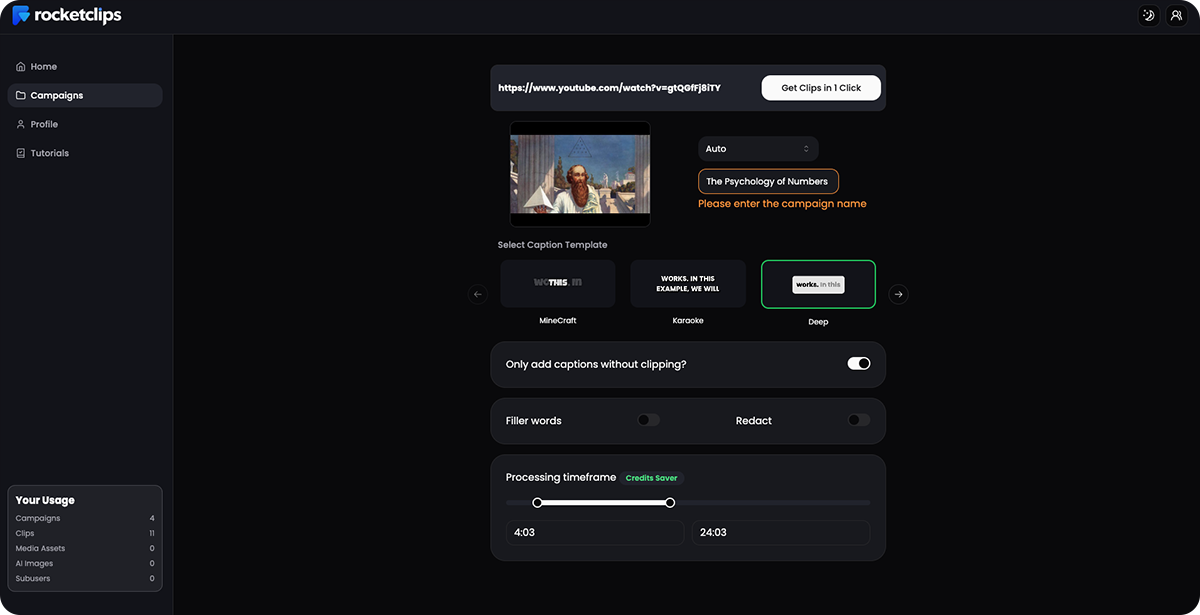
Upload any YouTube video or import any file.
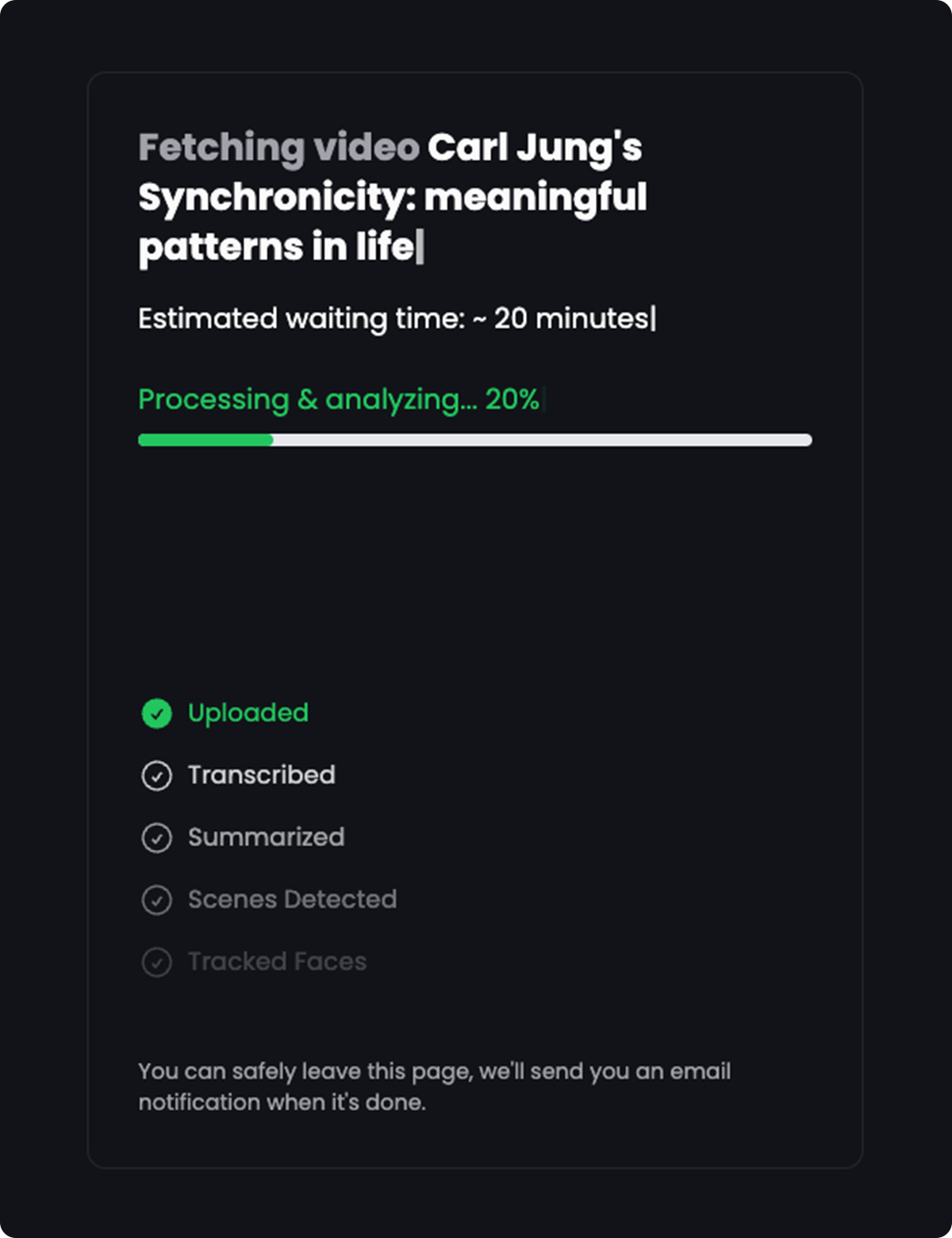
Let the proprietary AI find all the key moments and transform them into clips.
Modify, customize, export, and share your clips across any platform.

App snapshot

One click. Endless clips.

Stop making new short videos. Repurpose what you have. With RocketClips you can:

  • Take the highlights from videos and turn them into viral clips.
  • Stay up-to-date and relevant with multiple clips from one video.
  • Grow your audience and reach a wider range of consumers.

Rocket ahead with these features.

Create countless short video clips from one single video. Rocket ahead of the competition.

  • Turn any video into shorts. Perfect for sharing on socials and growing your brand.
  • Analyse your video to find the most engaging content.
  • Keep your content fresh and original by adding b-rolls and on-screen text in 32 languages.

Automate reels and shorts creation.

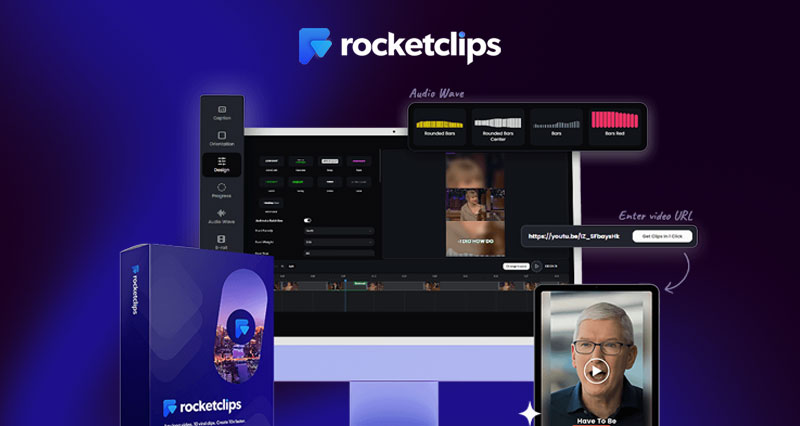
Rocket Clips AI will find, capture, and adjust your video for you. Expand your reach to all platforms and devices.

  • Convert your landscape videos to vertical with the Cut and Reframe tool.
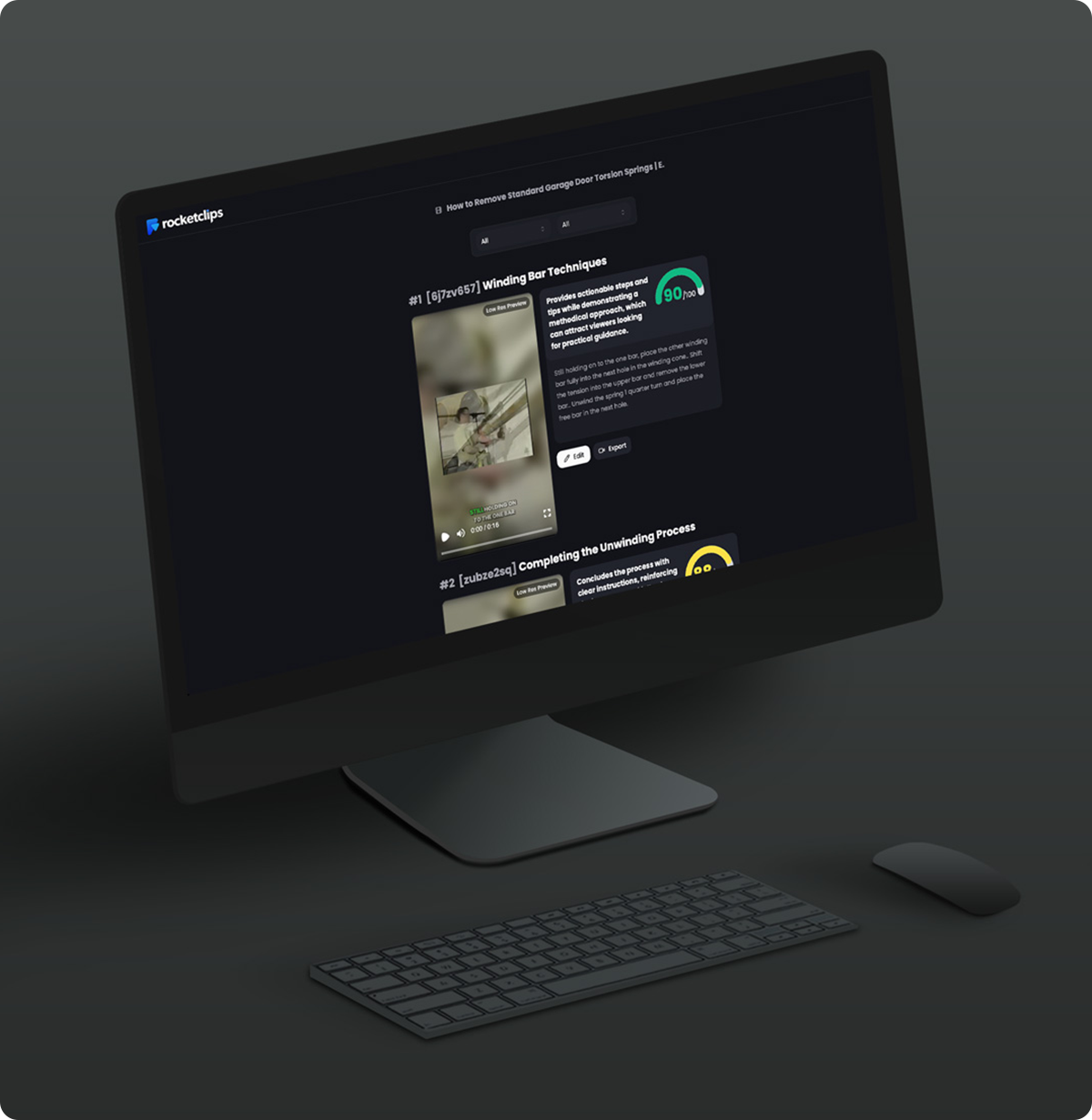
  • Ensure you're putting out the best clips with the Virality Score.
  • Make your clips pop with Audio Waveforms that give them a professional look.

Plans

RocketClips AI

$76.00

$39.00

Lifetime

  • All features above included

  • Upload up to 250MB per file

  • Import video up to 20 mins per campaign

  • Create 60 min per month video

  • Create YouTube, Shorts, Stories, Instagram, TikTok, SnapChat, LinkedIn, VSL, Explainer & any short videos

  • 250+ Premium Fonts

  • 100+ Design customization options

RocketClips AI Pro

$177.00

$86.00

Lifetime

  • All features above included

  • Unlock unlimited clips and campaigns.

  • Remove video minute limits.

  • Never run out of ideas with unlimited social media descriptions.

  • Reach further with unlimited AI subtitles and captions.

RocketClips AI Unlimited

$177.00

$86.00

Lifetime

  • All features above included

  • Enhance your clips with pro captions and soundware templates.

  • Clean up your clips with the auto silence remover.

  • Increase your chances to go viral with AI-identified trending hashtags.

  • Grow even further with the option for five sub-user accounts.

RocketClips AI Bundle

$720.00

$297.00

Lifetime

  • All features above included

  • Unlock all Rocket Clips Licence Tiers.

  • Access all available upgrades and bonuses.

  • Access a library of images and illustrations.

  • Enjoy unlimited campaigns, renders, and up to 500MP per upload.

FAQ

How do I export and share the clips?

RocketClips AI offers: Direct export to social media platforms Download in multiple aspect ratios (9:16, 1:1, 16:9) Batch export for multi-clip creation Scheduling with your preferred social posting tool

Does it add captions automatically?

Yes! It uses AI transcription to: Generate accurate, timed captions Translate and subtitle into other languages Apply dynamic text animations Highlight key words for viewer attention

Can I add branding to my clips?

Definitely. Branding tools include: Custom intro/outro segments Watermark overlays Font and color controls for captions Logo placement Brand preset templates for fast output

What input formats does it support?

You can upload: MP4 and MOV files Direct YouTube URLs Webinar or podcast recordings Zoom or Google Meet session exports

What does RocketClips AI do?

RocketClips AI uses artificial intelligence to automatically turn long-form videos into viral short clips optimized for platforms like TikTok, Instagram Reels, and YouTube Shorts. It identifies key highlights, adds captions, resizes frames, and even suggests ideal hashtags—all in minutes.

Reviews

Gary Pennington

5/5
I’ve used RocketClips AI for three weeks, and already had a couple of my repurposed clips break 50k views—way more than my full videos ever got. This tool is perfect for growing your brand fast without having to record new content constantly.

Bob Nolley

5/5
The AI editing is surprisingly sharp. It knows how to find punchy quotes, funny reactions, and key teaching moments. The transitions and formatting are solid. I only docked half a star because I'd like more customization over clip length, but overall it’s a game-changer.

Nelson Lewis

5/5
I’ve been sitting on years of long-form YouTube content with no idea how to repurpose it—RocketClips AI fixed that. It pulls the best moments, edits them automatically, and spits out ready-to-post clips for Instagram, TikTok, and YouTube Shorts. My channel has never had more engagement.

RaHeem Taylor

4/5
I repurpose business webinars into social clips using RocketClips and it works beautifully. It trims the fluff and highlights the strongest points. My LinkedIn engagement doubled last month thanks to these micro-edits. Highly recommended!

JUSTIN MCMILLIN

4/5
I use RocketClips AI to create short, high-impact video ads. My engagement rates are through the roof!